
Case study · , Romania
A web app with accounts and subscriptions, built for the UK market
MileTallyPro helps people who drive for work in the UK claim the tax relief they are owed. The user types two postcodes and a date; the app looks up the distance, applies the right rate and produces the report an accountant will accept.
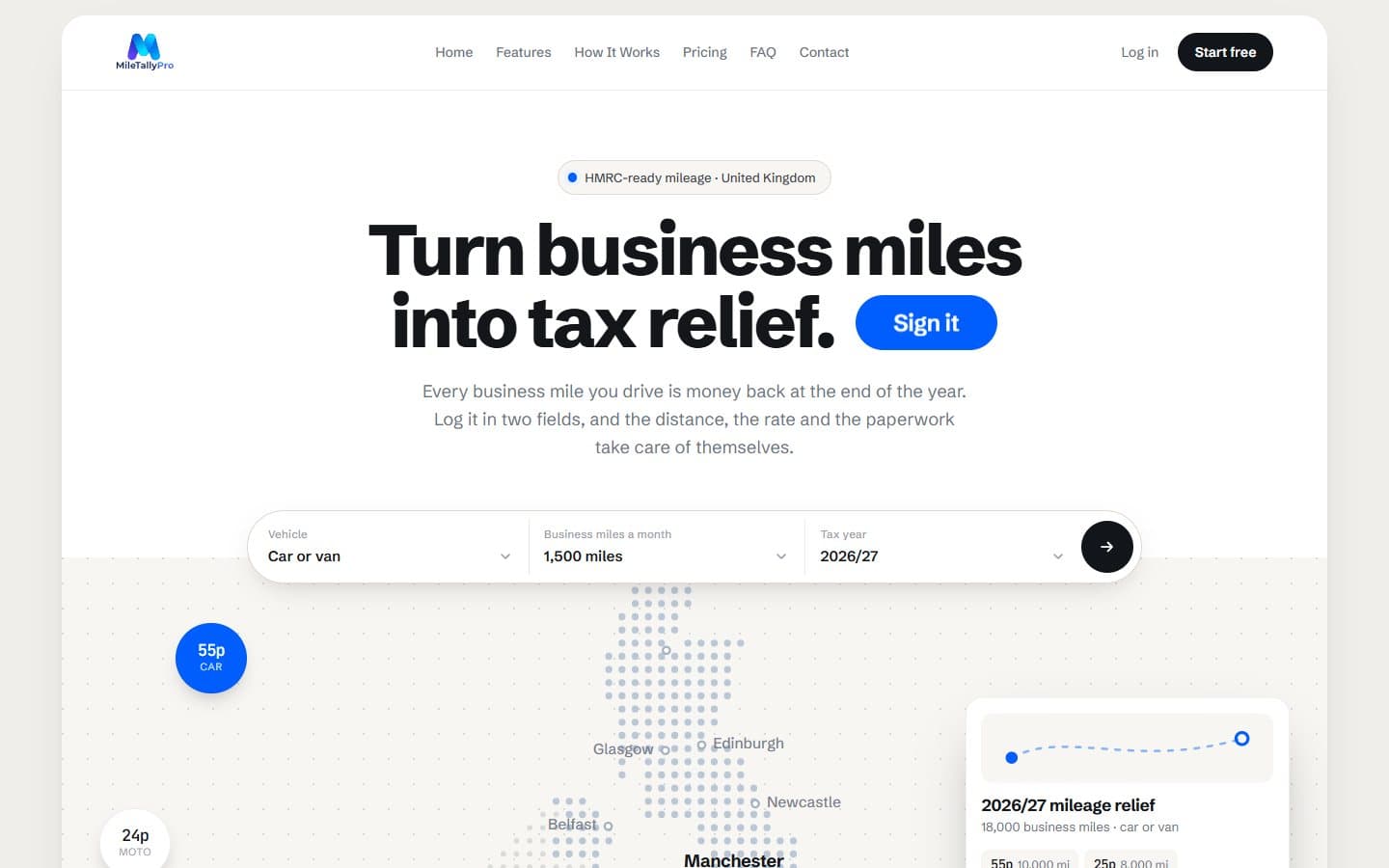
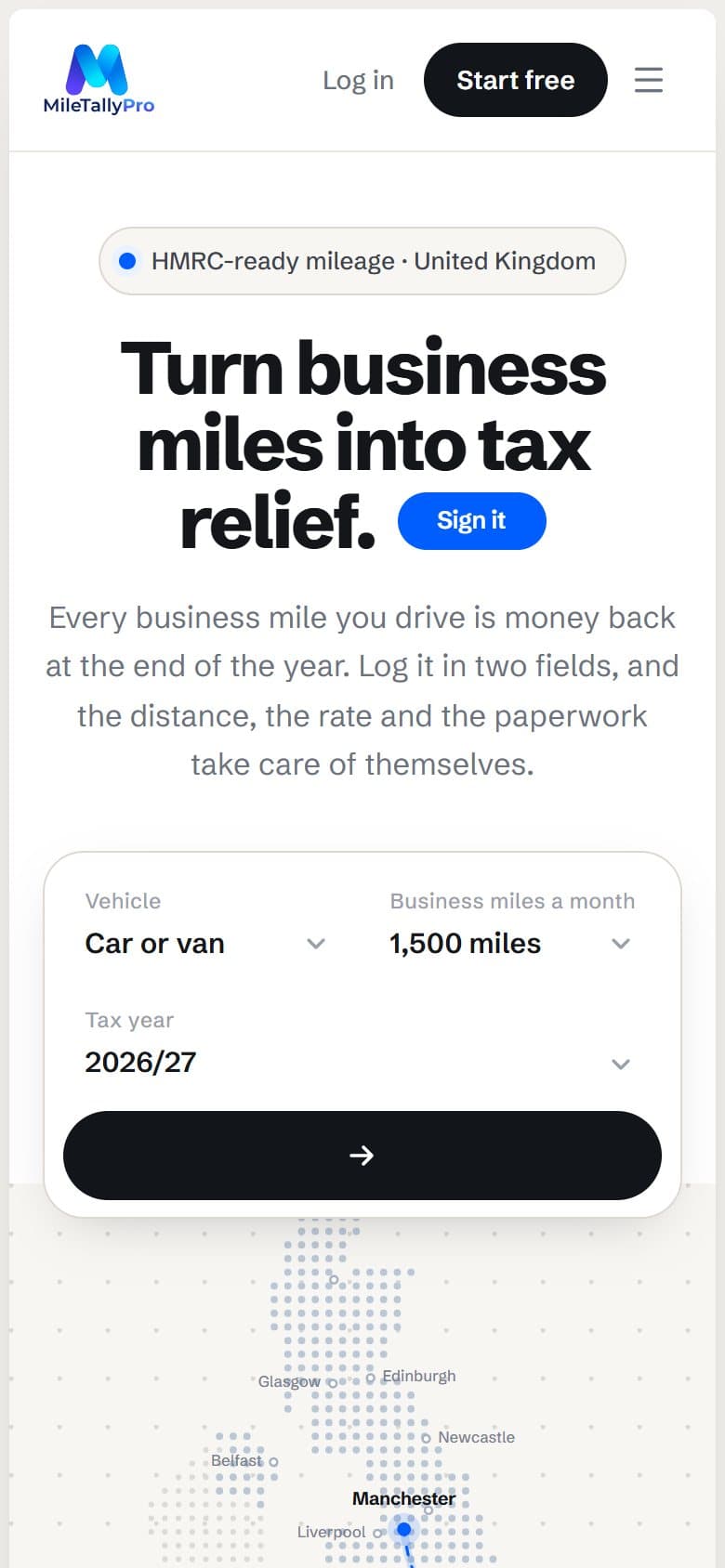
The short answer
innotive.digital built MileTallyPro, a UK web app for claiming tax relief on business mileage. The user types two postcodes and a date; the app looks up the road distance, applies the HMRC rate — 55p a mile up to 10,000 miles, 25p above the threshold — and produces the report as a PDF or CSV. It has user accounts, a thirty-day trial with no card, and a £3.99 monthly subscription through Stripe.
What we built
What the app does, from the first journey logged to the report filed.
Two fields for a journey
The postcode you started from, the one you finished at, and the date. The road distance is looked up, never typed and never guessed at the end of a long week. There is nothing to install and no GPS tracking, so last Tuesday's journey can still be logged today.
Tax rates applied automatically
55p a mile for the first 10,000 business miles in a car or van, 25p after that, 24p for a motorcycle, 20p for a bicycle. The app also knows the threshold resets on 6 April with the UK tax year, not on 1 January — exactly the detail a spreadsheet gets wrong.
Employer payments deducted
Anyone already reimbursed for mileage enters what they are paid per mile, and the app works from the gap rather than the whole amount. Without that, the figure would be relief the user is not entitled to.
PDF and CSV reports
Every journey, with its date, both ends, the reason and what it is worth. A PDF to file, a CSV for the accountant. The whole tax year, or any period inside it.
A calculator on the home page
Before any account, a visitor picks their vehicle, how many miles they drive a month and the tax year, and sees what they would get back. It is the product's sales argument, placed ahead of the sign-up form.
Account, trial and subscription
Thirty days free with no card taken, then £3.99 a month. Every feature is in every plan — only the billing frequency differs. Payment goes through Stripe, so card details never reach the app's own servers.
How the app gets used
The product is built for people who drive all day and have no appetite for bookkeeping in the evening: care workers, freelancers and the self-employed.
Backdating
Journeys can be added retrospectively, however far back. A week you forgot is not a week you lose — that is the difference from an app you have to remember to start before setting off.
A month at a glance
Journeys are grouped by day and month, with the miles and the relief beside them, so the user can see where they left off.
Self-served subscriptions
Users start the trial, move onto the subscription and cancel from their own account page, without writing to anyone.
An FAQ that actually answers
The April reset, employer reimbursement, the absence of GPS: the questions that decide the purchase get written answers, not marketing copy.
Keep exploring
Services in this project
See also
- Case study: Birou Notarial ZalăuBusiness website with online booking and an admin panel
- Case study: Phone ClinicBusiness website with booking, repair requests and phone trade-ins
- Case study: Auto CosteaBusiness website with category pages and VIN-based quote requests
- Case study: AGP MOBBusiness website with a category portfolio and survey requests
- The full portfolioWebsites, online stores and web apps delivered from Zalău, Romania.
- All servicesThe services compared: when each one fits and what it starts at.
Ready to start?
Tell us what you need and we will come back with an estimate in hours and price, no strings attached. We usually reply the same working day.